
One young woman, composer, playing synthesizer and singing in living room at home.

Fitting software designed to make things easy

Take advantage of efficient first fits in as few as four clicks, easy upgrades if your client’s needs change, and everything in between. Unitron TrueFit fitting software supports you every step of the way. You’ll find everything you need to fit and fine-tune your client’s hearing aids. You’ll also enjoy access to many features designed to make things easy for you – including our exclusive suite of Experience Tech Tools.

Unitron TrueFit fitting software

Two individuals sitting at a round table, one applying makeup to the other, with a mirror and a potted plant in the background.

Flexible fittings

Make a great first impression by following the First Fit workflow for a fast and convenient baseline fit. You can also make manual adjustments to each parameter. If your fitting preferences fall somewhere in between, it’s no problem — Unitron TrueFit software gives you the flexibility to fit your clients the way you choose. And with Remote Adjust, you can always make fine-tuning adjustments to support your clients wherever they are.   

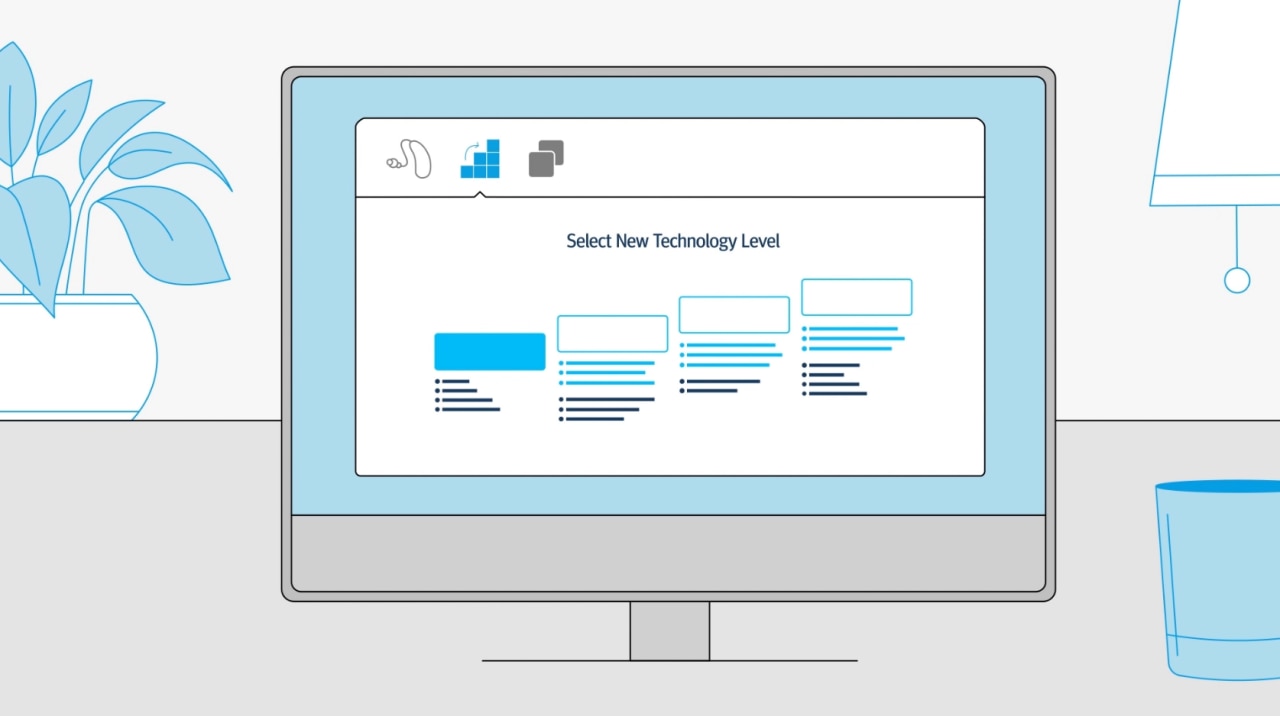
An image of monitor showing the selection of technology levels

Easy comparisons

Compare technology levels quickly and easily. Unitron TrueFit software highlights added features as you move up a technology level and includes handy feature diagrams and descriptions, so you know exactly what your client is getting. If their needs change in the future, you can upgrade their devices using FLEX:UPGRADE right from the fitting software.  

Two individuals sitting on a subway train, one reading a book and the other using a smartphone, while a third person stands by the door holding onto the handrail

View client adjustments

Giving control to your clients is important – but seeing the adjustments they’ve made matters too.  When you connect their hearing aids to Unitron TrueFit you can view volume changes in each environment, which Optional App Programs they have added, as well as equalizer adjustments made via the Remote Plus app, helping you to better understand each client’s needs and preferences.

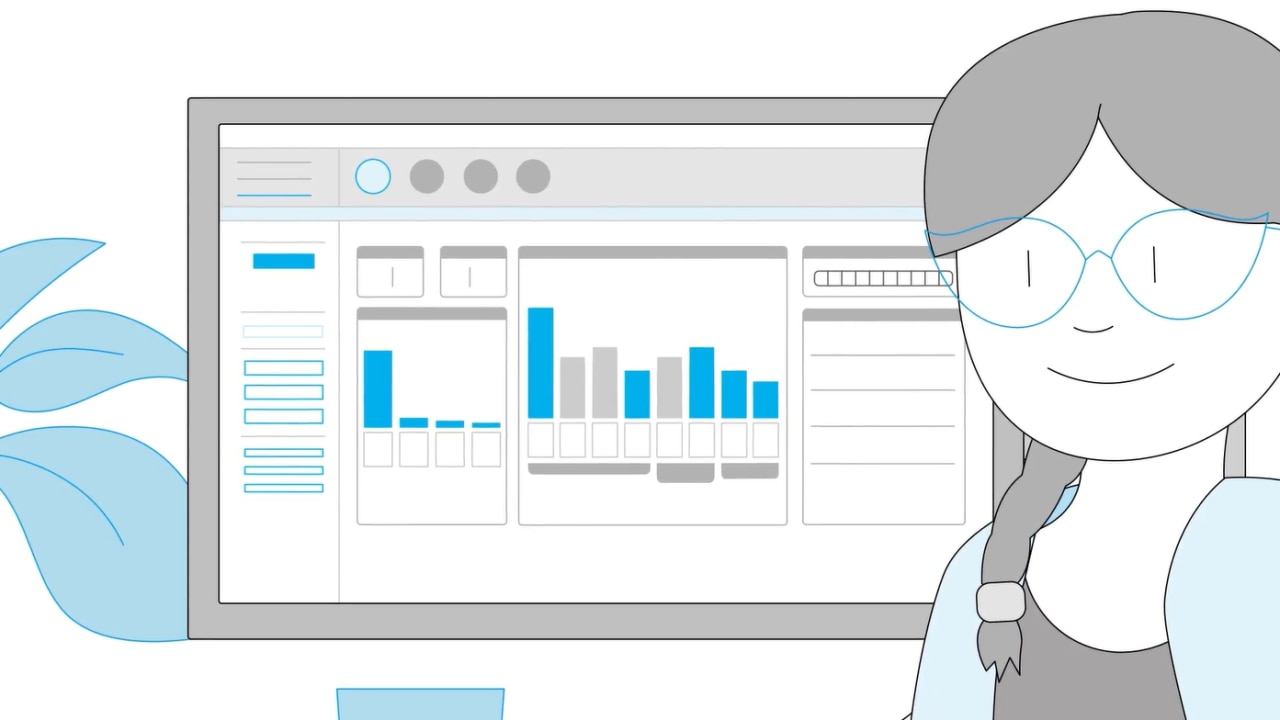
A person with a braid is looking at a computer screen displaying various graphs and data visualizations, with a plant visible in the foreground

Data-driven insights

Go beyond standard data logging with data-driven insights. Log It All shares real-life data to help you and your clients make informed decisions about their hearing technology. View Ratings from your clients supported by contextual information and use Success Check between appointments to access insights and even get alerts if something doesn’t look quite right. 

Peek inside the software

  • Automatic Adaptation Manager helps your clients adjust to their hearing aids over time
  • Fitting advice supports you in finding solutions if your clients are having trouble
  • Tap control training and sensitivity settings make controlling their hearing aids a breeze
  • Automatic REM guides you through the target matching process and reduces opportunities for human error
  • A personalized Getting Started Guide starts your client off on the right foot with simple instructions that reflect the configuration of their hearing aids
Compatibility and system requirements

Data-driven insights

See how our fitting software evolved from a standalone product extension to a conduit for delivering remarkable experiences.

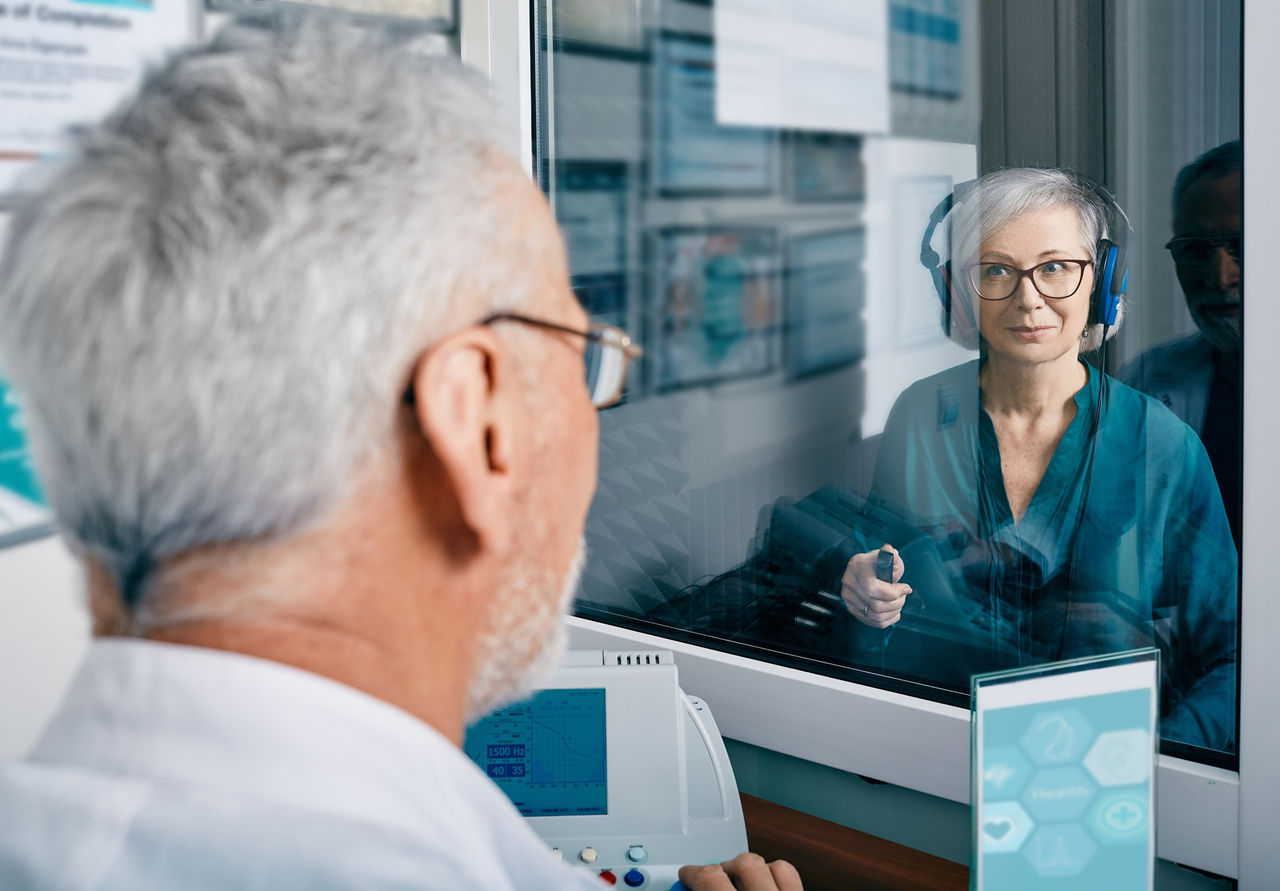
A healthcare professional sitting at a desk, facing a patient who is wearing headphones and sitting behind a glass partition, with various medical charts and equipment visible in the background